



Learn to build with AI. For real.
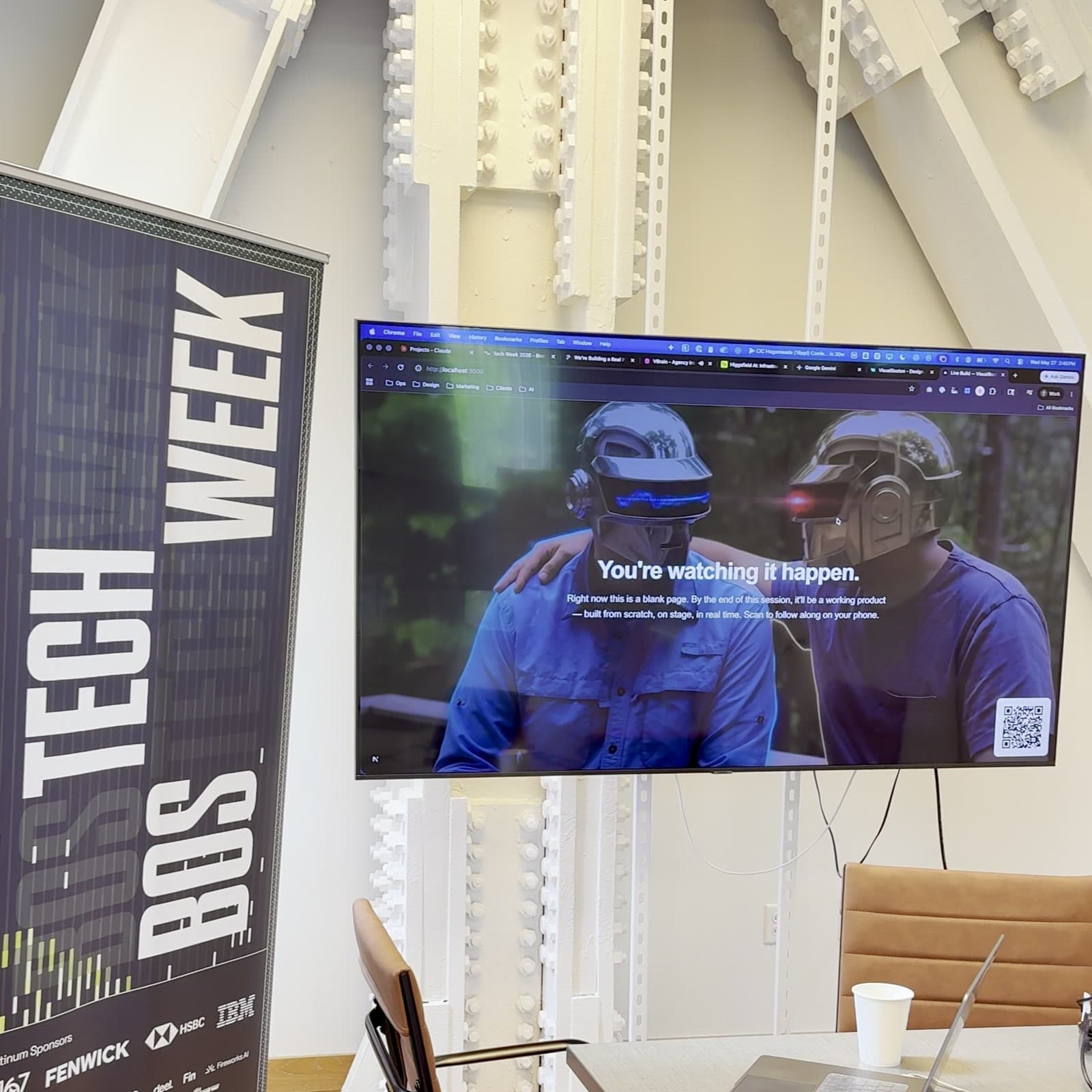
1-on-1 sessions or team workshops where you learn Claude Code, prompt engineering, AI-assisted design, rapid prototyping, and more — tailored to your role and your goals.
Trusted by teams pushing what's possible
What you'll learn
Every session is hands-on and tailored to your role.
With Alec — Design & Creative AI
- AI-generated imagery, video, and visual content
- Building custom Figma plugins with AI
- Interaction design and motion with AI workflows
- Contributing to real codebases as a designer
- Using AI for user research, testing, and synthesis
- Rapid prototyping: idea to working demo in one session
With Mark — Engineering & AI Development
- Claude Code from zero to productive
- Prompt engineering for code, research, and analysis
- Idea to shipped prototype in a single session
- AI for competitive research and market analysis
- Making designers dangerous: terminal, GitHub, React
- Evaluating AI tools for your team's stack
Book with both Alec and Mark when you want design + engineering in the same room — strategy and execution, vision and code.
Meet your guides
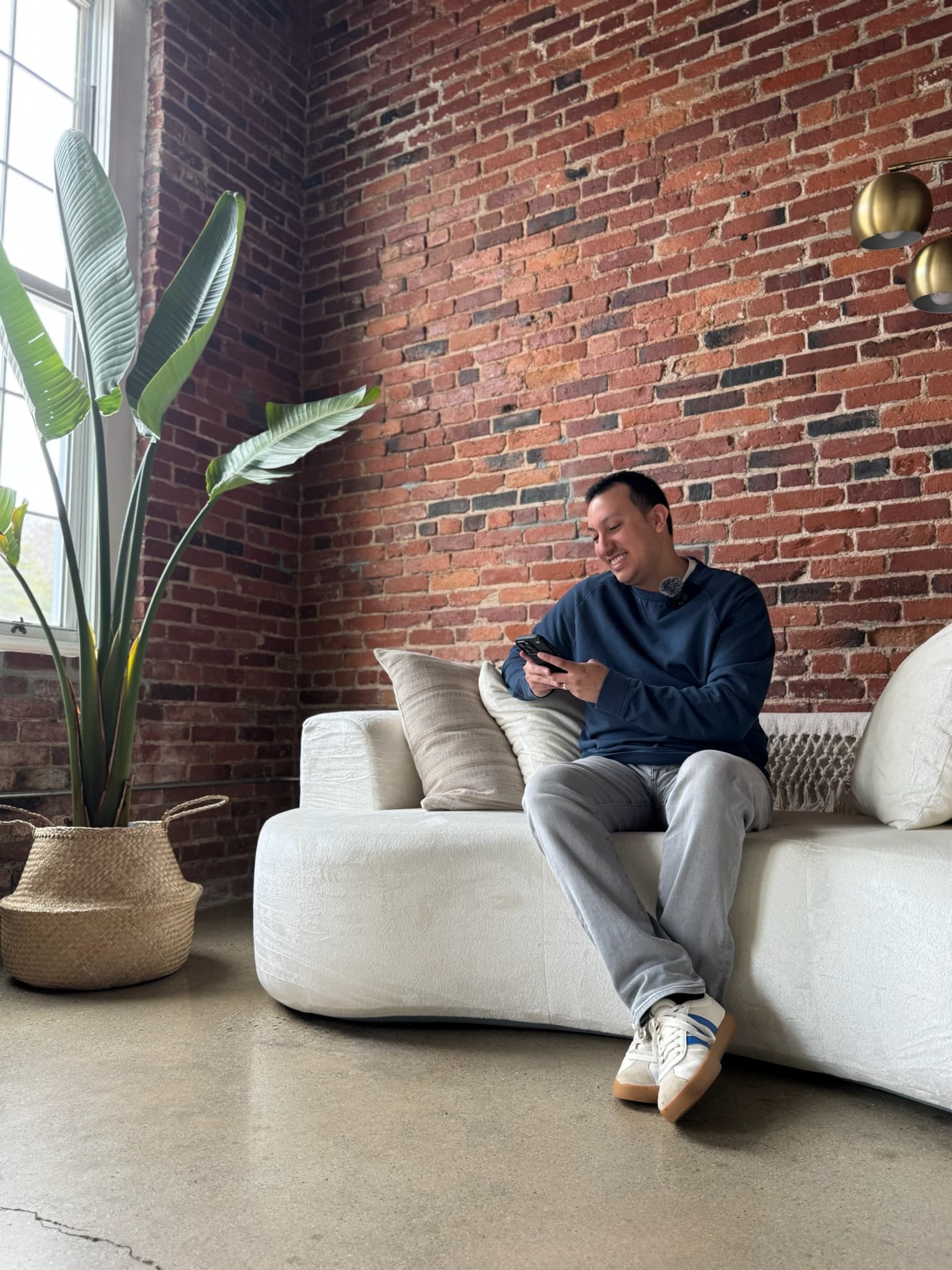

Co-Founder & Product Design Lead
16+ years in product design. Has consulted for Google, led design at Linus Health and O2X. Explores creative solutions at the edge of what's possible — interaction design, AI-generated imagery and video, custom Figma plugins, and contributing directly to production code. Helps creatives go from “I have an idea” to “I shipped it.”
LinkedIn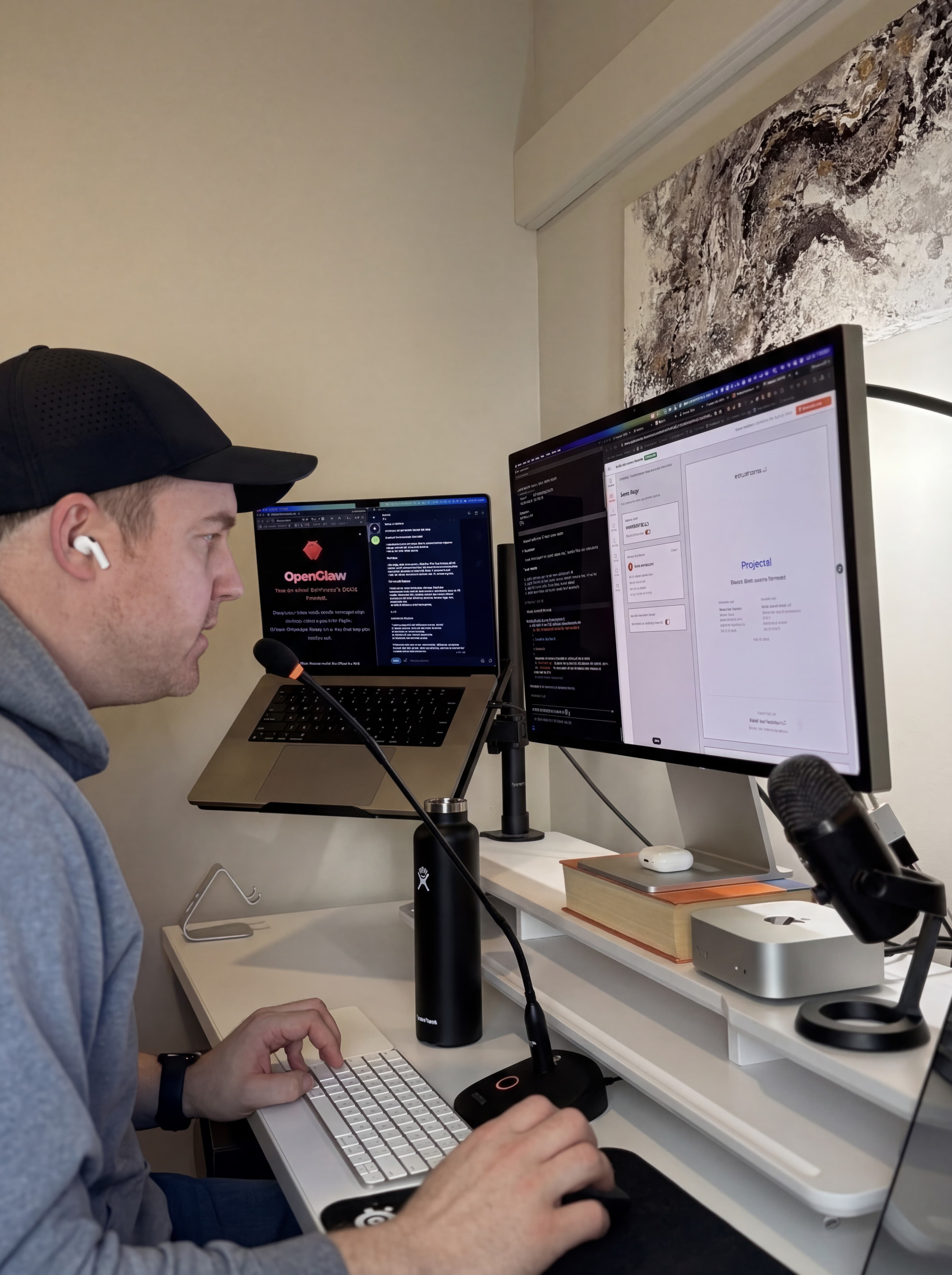
Co-Founder & Lead Engineer
16+ years in engineering. Built products at CampusLIVE and Google Ventures-backed CustomMade. Rebuilt VisualBoston's entire platform using Claude Code. Specializes in making AI accessible to non-engineers — teaching designers terminal basics, GitHub workflows, and how to ship real things with AI.
LinkedInWe practice what we preach
We don't just teach AI — we build with it. Here's what that looks like.
A designer built this game. In half a day. No engineers.
Hand tracking, 3D rendering, real-time gameplay — built by Alec after one session with Mark on AI-assisted development.
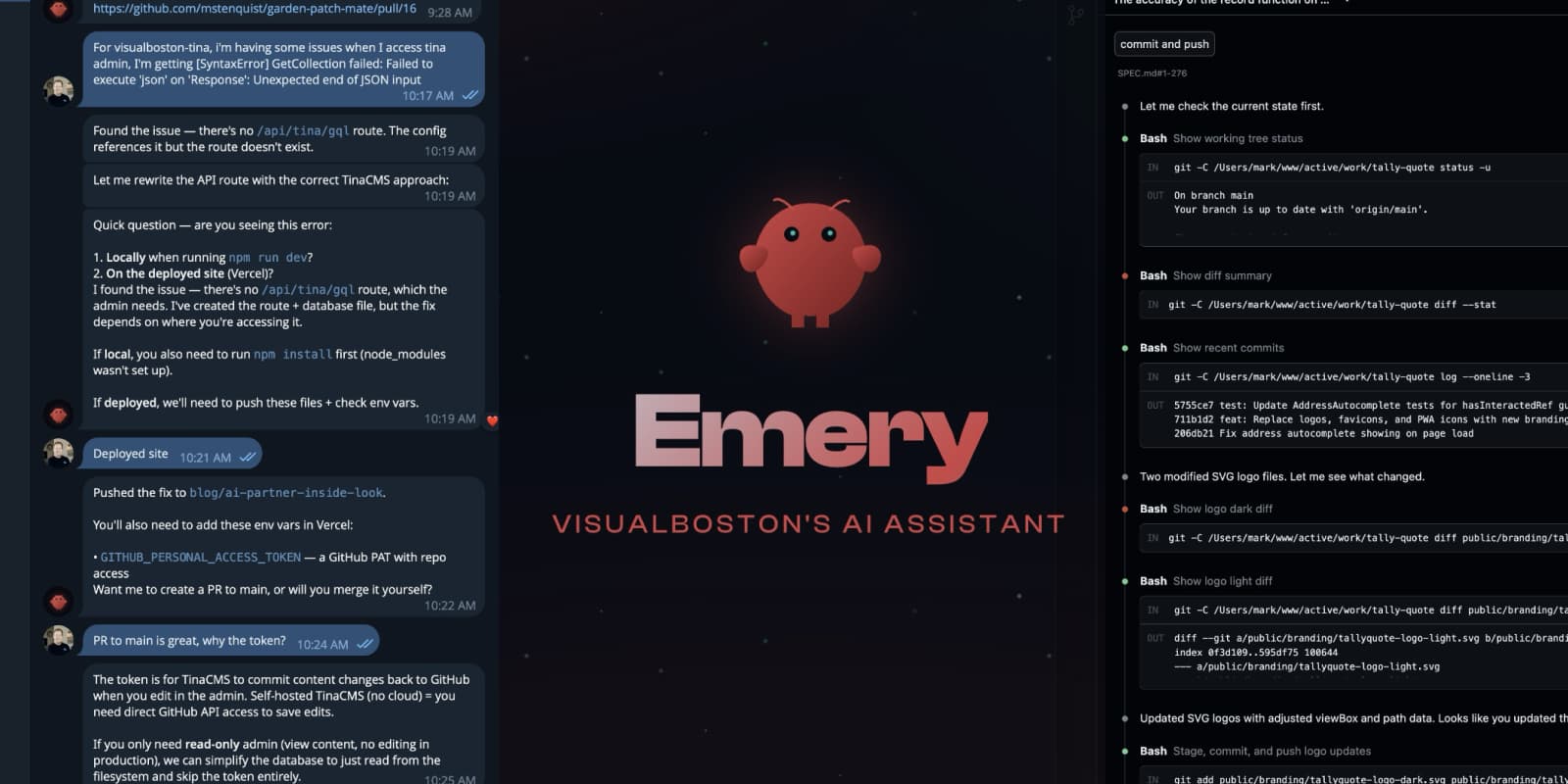
How We Build Products With AI: An Inside Look
Our AI assistant Emery wrote this post about working with us. No edits.
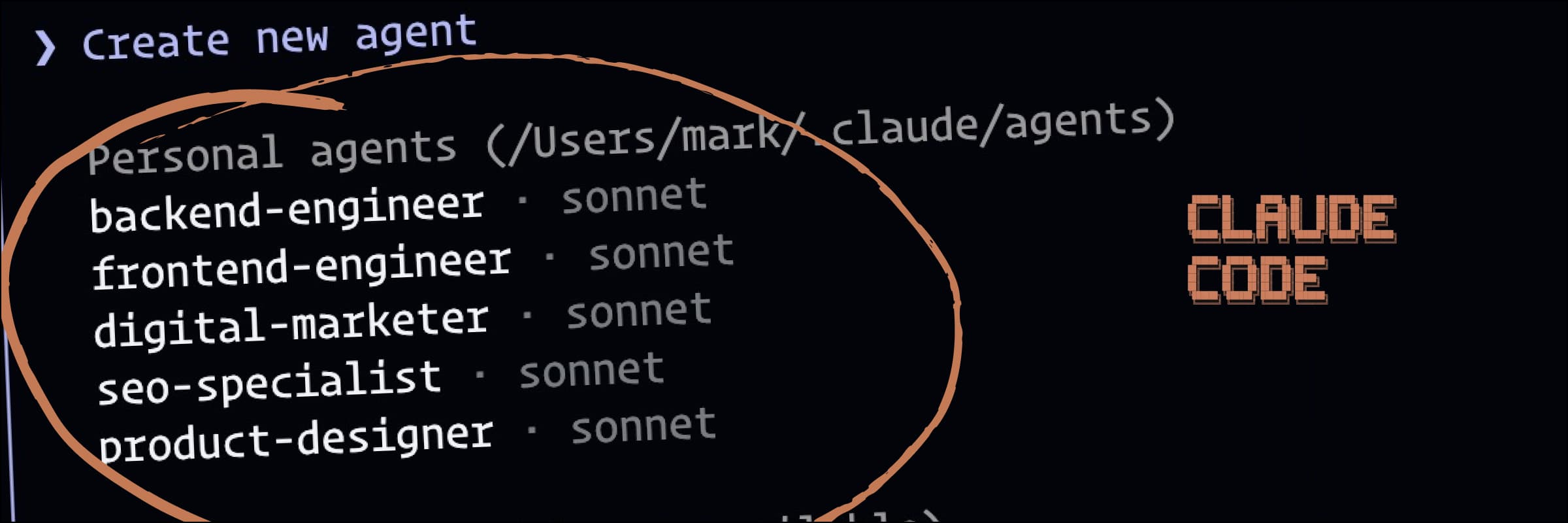
Revamping VisualBoston with Claude Code
Mark rebuilt our entire website using Claude Code. Here's what changed.
Who this is for
Whether you're exploring AI for the first time or need to level up fast.
Designers
Want to use AI in Figma, generate imagery, and prototype faster.
- ✓AI-powered design workflows
- ✓Build your own Figma plugins
- ✓Contribute to real code
Product Managers
Need to evaluate AI tools and bring a plan to leadership.
- ✓AI-assisted user research
- ✓Prompt engineering for analysis
- ✓Adoption roadmap for your team
Technical Creatives
Want to learn Claude Code and ship things faster with AI.
- ✓Claude Code from zero to productive
- ✓AI-assisted development
- ✓Rapid prototyping workflows
Researchers & Strategists
Need AI for synthesis, competitive analysis, and user testing.
- ✓AI for qualitative research
- ✓Automated synthesis & tagging
- ✓Faster insight generation
Team Leads
Pressure to "adopt AI" but no clear starting point.
- ✓Team-ready tool recommendations
- ✓Adoption plan for leadership
- ✓Low-risk evaluation path
Founders & Makers
Building a product and want AI to accelerate every step.
- ✓Idea to working demo in one session
- ✓No-code + AI tool pairing
- ✓Full-stack prototyping
How it works
No fluff. You bring the problem, we bring the experience.
Step 1
Book your session
Pick a time with Alec, Mark, or both. Tell us what challenge you're facing so we show up ready.
Step 2
We do our homework
We review your product, team, and goals ahead of time. No warm-up — we jump straight into what matters.
Step 3
60 minutes, live and hands-on
Screen-share, build together, solve real problems. We demo AI tools on your actual work, not hypotheticals. Recorded so you never lose a detail.
Step 4
Recap with next steps
Within 24 hours: a written summary with key decisions, action items, tool recommendations, and links to everything we covered.
Step 5
Keep building or go deeper
Book a follow-up, start a session pack, or bring us in for your whole team.
Pricing
Single Session
Alec or Mark
60 min
$299
Single Session
RecommendedAlec + Mark
60 min
$399
4-Session Pack
Full learning track
4 x 60 min
$1,099
Team Workshop
Group session for your team
90 min
Custom
Every session includes a recording and a written recap with key decisions, action items, and next steps. Team workshops are customized for your group's size, tools, and goals.
Go deeper with a session pack
Not sure where to start? Our 4-session track takes you from setup to shipped app — no coding experience required.
Session 1
Setup & First Win
Install Claude Code, VS Code, and essential tools. Your first conversation with AI: turning a prompt into code. Deploy a simple site to the internet — yes, session one.
Session 2
Speaking AI
Master prompting and the feedback loop: prompt, output, refine. Learn how to describe what you want with specificity. Debugging without panicking — errors are normal.
Session 3
Building Real Features
Forms, user input, and data handling. Connecting to APIs and external services. Authentication basics — let users log in to your app.
Session 4
Polish & Ship
Styling with Tailwind — your design skills shine here. Responsive design in code. Deploy to Vercel and share with the world.
Each session is 60 minutes, recorded, and followed by a written recap. Book individually or save with a pack.
Book Your First Session1-on-1 or team AI sessions — tailored to your role.
Book a Session